The holidays may be over, so you may not be keeping any more gift receipts, but did you know that it’s important to keep regular receipts as well? If you’re the type of person that loves to use your phone for everything then you’ll love this. Here are 5 free iPhone and Android apps to help you keep your receipts organized year-round!

Disclosure: This post may contain affiliate links to Amazon and/or Etsy, which means that I may earn a small commission from some of the links in this post. Please see our Disclosure Page for more information.
But why would you want to keep receipts in the first place?
Here are a couple of reasons to keep receipts:
1. To make returns– Many stores won’t allow a full return without a receipt. Instead, they’re likely to just give you a store credit. If it’s a store that you rarely go to, this could wind up being money that you never get a chance to use.
2. To get exchanges/repairs– This is especially important with electronic purchases. Your receipt can act as a proof of purchase and make it easier to exchange a faulty device for a new one, or to initiate repairs, especially if you’re trying to redeem a warranty.
3. For incorrectly priced items– It’s not uncommon for a cashier or store computer system to accidentally apply the wrong price to an item. If you’re in a hurry and are buying several things, you might not notice until later, like when the purchase posts to your account. If you still have your receipt, you can go back to the store to get the charge corrected.
4. For taxes– Receipts are very helpful when filing taxes, and if you ever are audited. They’re also helpful if you file separate taxes for your own business.
5. For creating a budget– receipts let you find out what you usually spend on an item category per month (like food, clothing, etc.), allowing you to make a realistic budget. I cover the basics of budgeting here
6. For creating a price book – if you’ve kept your receipts, it’s easy to lay them out and figure out which stores have the best prices on which items. With this information, you’ll be able to easily find out if a new sale is actually a good deal or not. I cover how to make a price book here.
So now that you know why you should keep your receipts, how do you organize them?
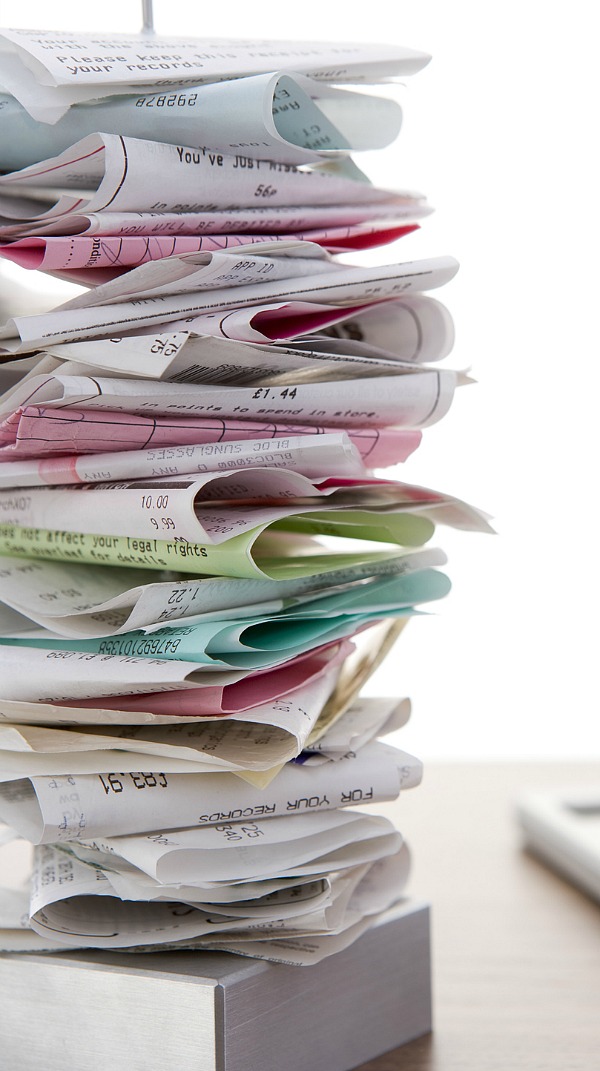
Well, you could put them in an expandable file folder, or in a binder with dividers and big envelope pockets. You could also scan them into your computer on a scanner, or buy a mobile scanner wand to do the same thing. But another way is to use your smartphone to organize those receipts! All of these apps are free, or have basic free versions
Here are 5 apps to organize receipts – iPhone (iOS) and Android users.
1. OneReceipt (iOS) – This handy app can automatically load email receipts from your Gmail, Yahoo! or Outlook email accounts, if you like. To load paper receipts, all you have to do is take a picture with your smartphone camera. Your receipt data is automatically extracted and indexed.
2. Shoeboxed (iOS + Android) – This app also uses your smartphone camera. It extracts all the data for you, and categorizes your receipts. It can also create expense reports for you. And since you can log into your account online, you don’t just have to access it on your phone.
3. Foreceipt (iOS) – This app uses your smartphone camera, but does require you to input some data. However, it uses Google Drive to store your receipts, so you can access them anywhere on any device. It also can work offline.
4. Itemize (iOS + Android) – Like OneReceipt, this app can get e-receipts from your email account. It automatically extracts data and can instantly create expense claim reports.
5. Smart Receipts (iOS + Android) – This app doesn’t require you to register for an account. Instead, you can set it up to email you a PDF and CSV file at the end of the week. It has customizable categories, but it looks like it won’t automatically extract the date for you. But since it’s so easy to use (and supposedly battery efficient) it’s definitely worth a try.
What do you use to organize your receipts?
Don’t miss a post! Get this blog delivered by email every time I post. Subscribe via email here
You may also like: 7 Ways Your Smartphone Can Save You Money
So many good tips for using apps to keep track. Thanks!
This sounds like a great idea. I currently throw receipts that need to be saved into a file folder. I have one for each month so it isn’t a years worth of jumbled mess, it’s only a months worth of jumbled mess. Lol My only concern with some of these is privacy. It seems like a good way for a data company to see what you spend where, and while I have nothing to hide re: my purchases, I also don’t like the lack of privacy that this could result in. If I were going to use one of these Smart Receipts sounds like the most private since you don’t have to register.